Banners
Put the renaissance on your photos
Overlays and stickers for anything you shoot at an SBR gathering. All transparent PNGs, all free to use. Post them tagged #SouthBayRenaissance so the next host can see how it went.
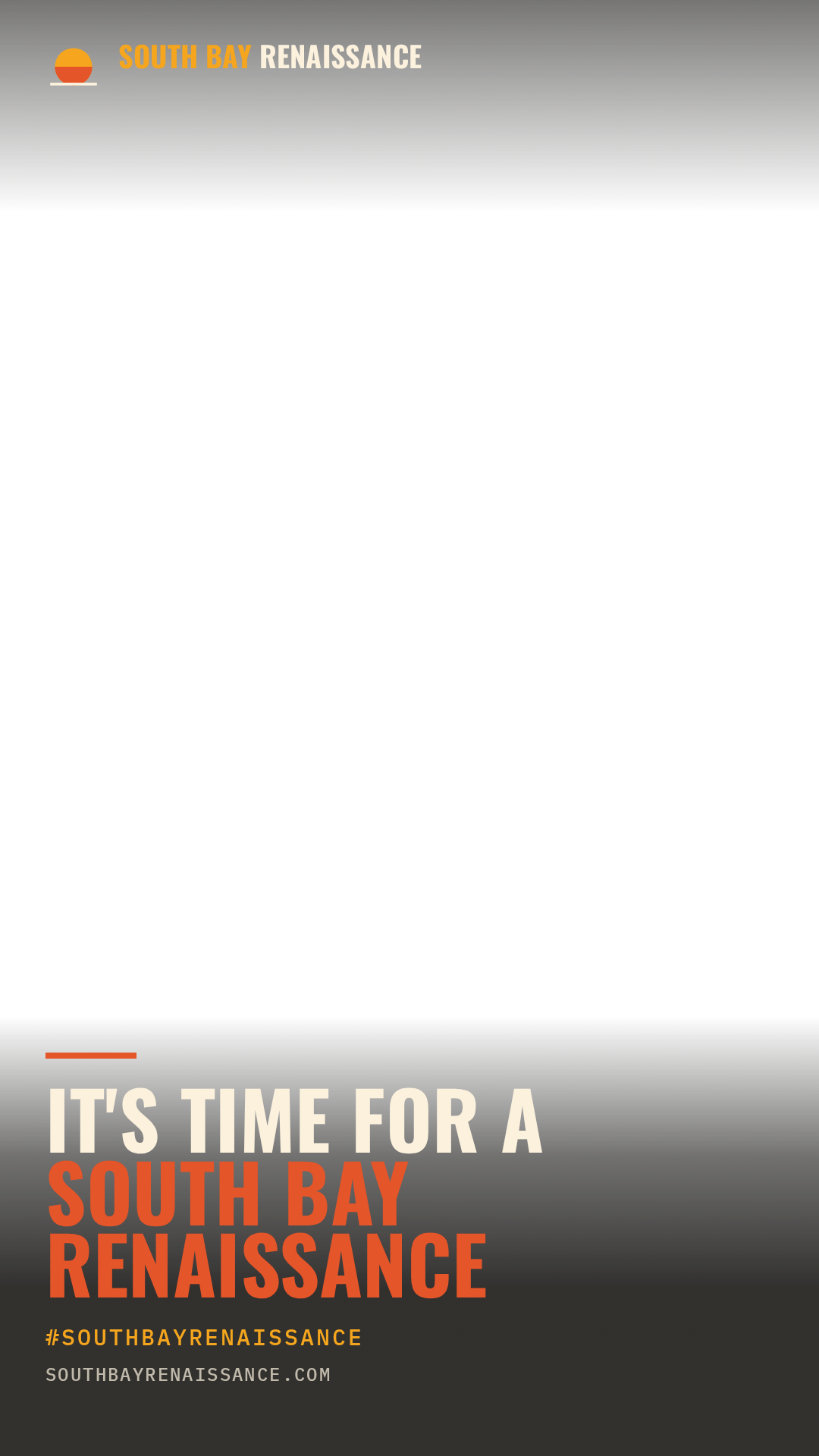
Story overlay
1080 × 1920 · transparent PNG
Drop it over a vertical photo or video for Instagram, LinkedIn or WhatsApp stories.
Download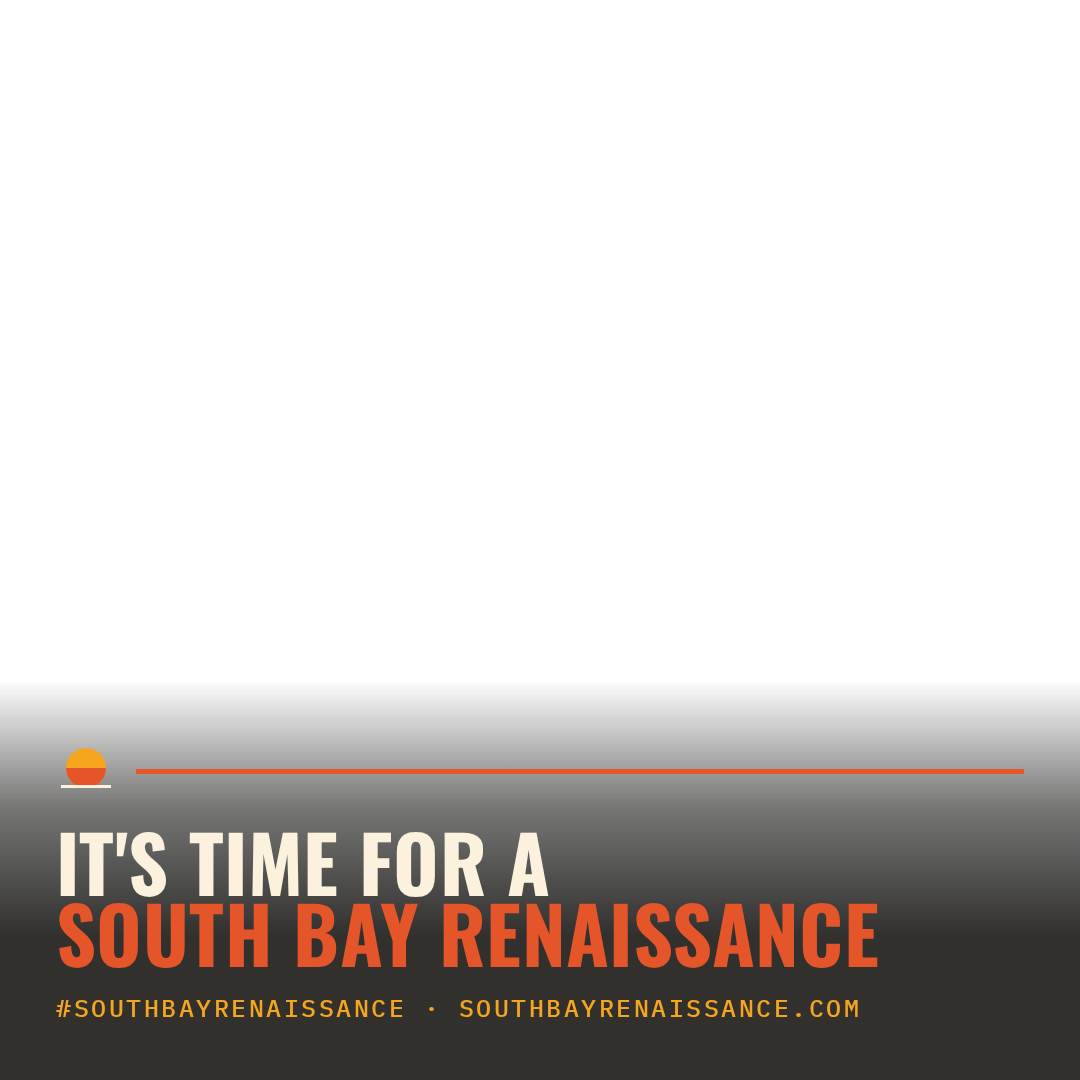
Square overlay
1080 × 1080 · transparent PNG
For feed posts. Sits over the bottom third and leaves faces clear.
Download
Sticker, dark
2862 × 582 · transparent PNG
A lockup you can drop anywhere on a photo. Use this one over bright images.
Download
Sticker, light
2862 × 582 · transparent PNG
Same lockup in cream. Use this one over dark or busy images.
Download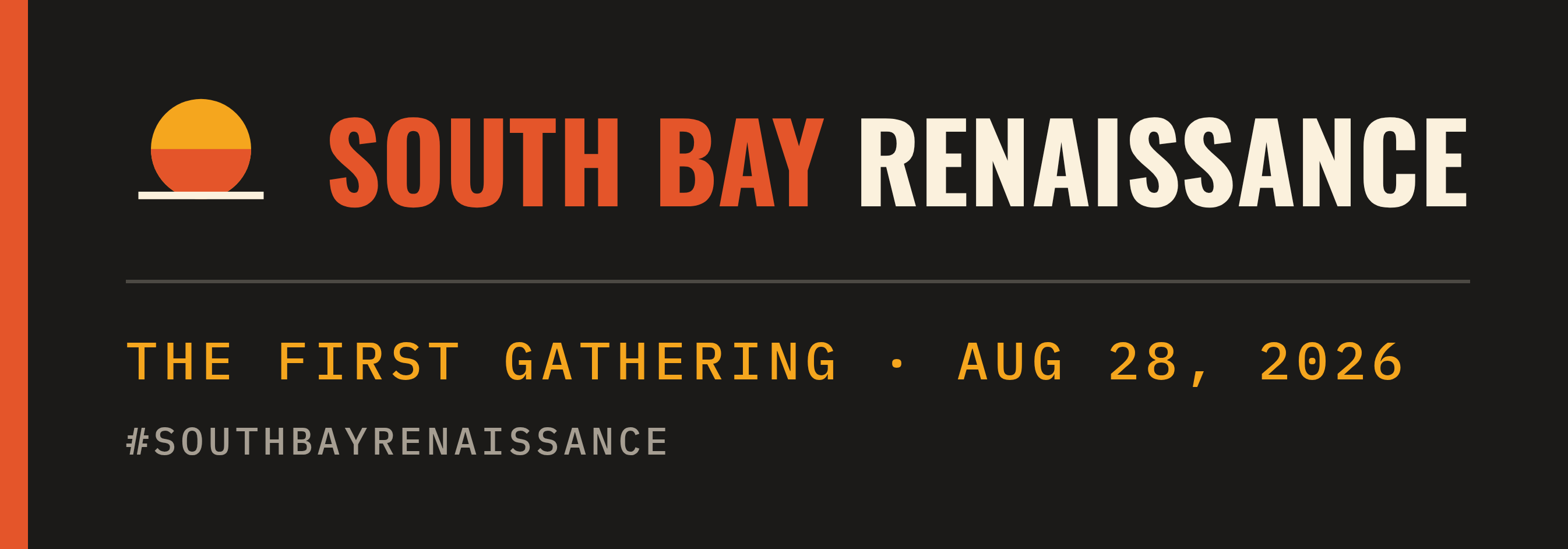
First Gathering badge
2691 × 942 · PNG
Dated for today, Aug 28, 2026. For photos from the first gathering.
DownloadOn an iPhone
- Download the sticker, then open it in Photos and tap Share, Copy Photo.
- Open your event photo, tap Edit, then Markup.
- Tap the plus, choose Add Text or paste the sticker, and drag it where you want it.
Instagram or LinkedIn stories
- Save the story overlay to your camera roll.
- Start a story with your photo or video.
- Add the overlay as a sticker from your photos and pinch it to fill the screen.
On video
Drop the story overlay on a track above your footage in CapCut, Premiere, Final Cut or iMovie. It is already transparent, so no keying or masking needed.